
Latest version
Happy Club Latest Version
The current Happy Club APK on this site is v9.4, around 62 MB, and runs on android 5.0 and above. This page explains how to update and what changes between releases.
Free for Android. Opens the official game page in a new tab.

Current release details
Version details are listed here so you can compare them with the build already on your phone before deciding to update.
- Version: v9.4
- Download size: 62 MB approximately
- Minimum Android: Android 5.0 and above
- Platform: Android only — no iOS build exists
- Price: free to download
How to update to the latest version
Updating is the same as a first install: download the newer file and run it over the top of the existing app. Your account, chips and settings stay in place.
- Open the game and note your current version number first.
- Download the newer APK from the button above.
- Tap the downloaded file and confirm Install over the existing app.
- Open the game and check that the version number changed.
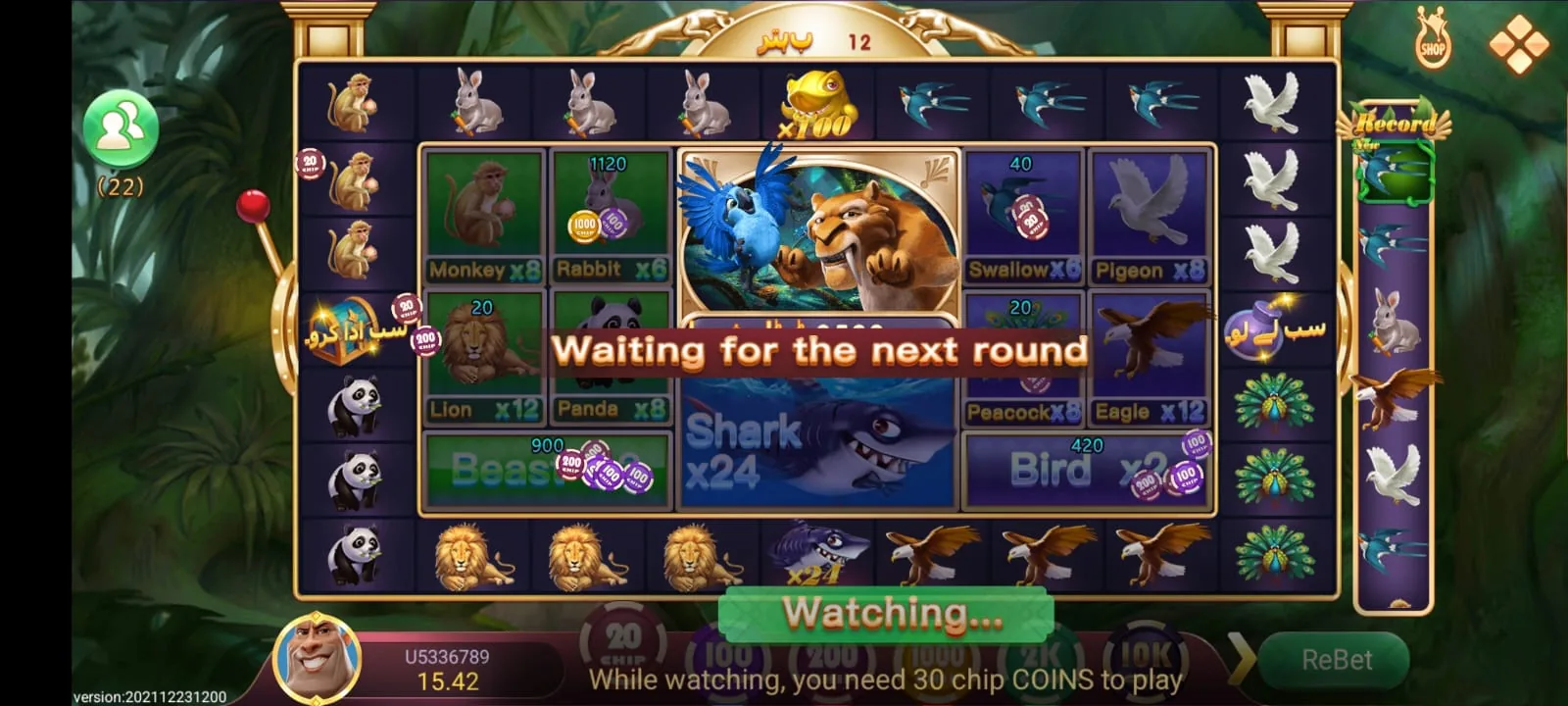
What an update usually changes
Release notes for apps in this category are rarely detailed, but updates generally fall into a few predictable categories: stability fixes for specific device models, faster table loading, seasonal event content, and adjustments to the lobby or bonus screens.
If your current build is working well and you are mid-event, there is no urgency to update the same day. Update when you notice crashes, missing tables, or a prompt inside the game.
Before you update
Two minutes of preparation avoids the only real risk, which is losing access to an account that was never linked to anything.
- Make sure your account is linked to a phone number or social login.
- Note your player ID in case you need support later.
- Update on Wi-Fi so the post-update assets download cleanly.
- Keep the older file until the new build launches successfully.
Frequently asked questions
How do I check which version I have?
Open the game, go to Settings or the profile area, and look for the version number, usually shown at the bottom of the screen.
Will updating delete my account?
No. Installing a newer build over the existing app keeps your data, as long as your account is linked to a phone number or social login.
How often is the app updated?
Card game apps in this category typically ship updates every few weeks for fixes and event content. There is no fixed schedule.