
Teen Patti Happy Club APK: Complete Download, Install and Play Guide
Teen Patti Happy Club is a three card game app for Android, built around the same rules people in Pakistan and across South Asia already play at home on Eid nights and family gatherings. Instead of a physical deck, you join a table inside the app, receive three cards, and bet, call, raise or fold against the other players at that table until a showdown decides the hand.
This page is the full reference for the app: what the Happy Club game actually contains, how to download the APK, how to install it on Android step by step, what each permission is for, how the rules and hand rankings work, and what to do when the app misbehaves. Everything here is written for players, not for search engines, and nothing is invented — where a detail depends on your own device or the current app build, this guide says so instead of guessing.
If you only want the file, the download button at the top of the page takes you straight to it. If you are new to 3 Patti Happy Club, read the sections below in order; the table of contents on the left lets you jump to any part at any time.
What Is Teen Patti Happy Club?
Teen Patti Happy Club is a mobile card game that turns the traditional three card game into a lobby based online experience. You pick a room, sit at a table with other players, and play hands against them in real time. The core rules are the ones most people already know: three cards each, betting in turns, and the strongest hand at showdown takes the pot.
The Happy Club part of the name refers to the club style presentation. Rather than one plain table, the app groups tables into rooms with different stake levels, so a new player can start low and move up gradually. Alongside the main game you get several Teen Patti variants and a handful of quick side games, which keeps a session varied without needing a second app.
It is worth being clear about what the app is not. It is not a bank, an investment product, or an earning scheme. Every hand contains an element of chance, and anyone promising fixed daily income from a card game is not describing it honestly.
Happy Club APK at a Glance
Before downloading anything, it helps to know what you are getting. The table below summarises the basics of the current Happy Club APK build. Version numbers and file sizes change with each update, so treat these as the values shown at the time of writing and check the download page for the current ones.
- App name: Teen Patti Happy Club (also written 3 Patti Happy Club).
- Platform: Android only — there is no iPhone or iPad build.
- Distribution: APK file, installed outside the Google Play Store.
- Minimum Android version: 5.0 Lollipop and above.
- Category: card game with Teen Patti variants and side games.
- Price: free to download and install.
- Interface languages: Hindi and English.

Why Players in Pakistan Look for This Game
Three card games are part of everyday social life in Pakistan, and the mobile versions carry that habit onto the phone. Searches for Happy Club APK, Teen Patti Happy Club and 3 Patti Happy APK come mostly from players who want the game on a mid range Android handset without a large download or a heavy graphics engine.
There is a second, more practical reason. Because the app is not on the Play Store in every region, the usual store search does not find it, so players look for a direct APK instead. That is normal for this category of game, but it does shift responsibility onto you to check where the file comes from — covered in the download and safety sections below.
Connection quality matters too. Many players in Pakistan are on mobile data rather than fixed broadband, so a light app that recovers quickly from a dropped signal is far more usable than a visually heavy one. Happy Club is built around that constraint.
How to Download the Teen Patti Happy Club APK
Downloading an APK is simple; doing it safely takes a little discipline. Use the official source rather than a link forwarded in a WhatsApp group, because repackaged game files are one of the common ways unwanted software reaches Android phones.
Before you start, check three things: that your phone runs Android 5.0 or newer, that you have a few hundred megabytes of free storage so the installer can unpack, and that your connection is stable. A download that breaks halfway leaves a corrupt file that will simply refuse to install.
When you tap download, your browser will warn you that this kind of file can harm your device. That warning appears for every APK, safe or not, because Android cannot verify files from outside the Play Store. Keep the file only if you trust the source, and cancel if you did not intend to download anything.
- Open the download page in your Android phone's browser, not on a desktop.
- Tap the download button and accept the browser prompt to keep the file.
- Wait for the download to finish completely before opening it.
- Compare the downloaded file size with the size listed on the page.
- If the numbers differ noticeably, delete the file and download again.
How to Install the Happy Club APK on Android
Android blocks installs from outside the Play Store until you allow them for a specific app. On Android 8 and newer the permission is granted per app — usually to your browser or file manager — rather than as one global switch, which is safer because it does not open your phone to every source at once.
The whole process takes about a minute on most phones. If the installer screen never appears, the file is either still downloading or incomplete.
- Open Files or Downloads and tap the Happy Club APK file.
- When Android says installs from this source are blocked, tap Settings.
- Turn on Allow from this source for the app you are installing from.
- Press back, tap the file again, and choose Install.
- Wait for the install to finish, then tap Open to launch the game.
- Go back into settings and turn the permission off again once you are done.
Latest Version and How Updates Work
Because the game is not distributed through the Play Store, it will not update itself in the background. When a new build is released you download the newer APK and install it over the existing one. As long as it is the same app, your progress and account stay in place and you do not need to uninstall first.
Updating matters more than it does for a store app. Fixes for crashes, table sync problems and device compatibility only reach you when you install the newer file, so it is worth checking the download page occasionally rather than staying on an old build indefinitely.
If an install over the top fails, the usual cause is a version mismatch or a partially downloaded file. Download again on a stable connection before trying anything more drastic.
System Requirements and Supported Devices
Happy Club is deliberately light. It targets ordinary Android phones rather than gaming hardware, which is why it runs acceptably on devices with modest memory. A 2 GB RAM phone on Android 8 or newer is a comfortable baseline.
There is no iOS version. If a site offers you a Happy Club file for iPhone, treat it as untrustworthy — iPhones cannot install APK files at all, so such a file cannot be what it claims to be. There is also no official desktop build; running it on a PC would mean using a third party Android emulator, which is outside what this site covers.
- Android 5.0 or newer, with Android 8+ recommended.
- At least 2 GB RAM for smooth table animation.
- A few hundred MB of free storage for install and cached assets.
- A steady Wi-Fi or mobile data connection.
- No iPhone, iPad or official PC version.
App Permissions and What They Are For
A card game should not need access to everything on your phone. When you install, Android will ask for a small set of permissions, and it is reasonable to check that each one has an obvious purpose before you accept it.
Storage is used to cache images and sounds so tables load without re-downloading assets. Network access is what connects you to the tables. Some builds ask for microphone access purely for optional voice chat — if you never use voice chat, you can refuse it and the game still works.
If any app in this category asks for your contacts, SMS messages or call logs, refuse. A three card game has no legitimate use for them, and you can deny individual permissions in Android's app settings at any time after installing.
Game Modes and Teen Patti Variants
The main draw of the app is variant choice. Classic is the standard three card game and the right place to learn. The other modes change one rule each, which is enough to change strategy completely without making you learn a new game.
Joker tables add wild cards that can stand in for any card, so strong hands appear far more often and cautious play is punished. AK47 treats aces, kings, fours and sevens as jokers, pushing that effect further. Muflis inverts the rankings so the weakest hand wins, which catches out anyone playing on instinct. Hukam nominates a suit that outranks the rest for that hand.
Each variant sits in its own room with its own stake range, so you can move between them freely and drop back to Classic whenever you want a familiar game.
- Classic — standard Teen Patti rules and rankings.
- Joker — designated wild cards raise the average hand strength.
- AK47 — aces, kings, fours and sevens all act as jokers.
- Muflis — rankings reversed, the lowest hand takes the pot.
- Hukam — a chosen suit outranks every other suit that hand.
Side Games Included in the App
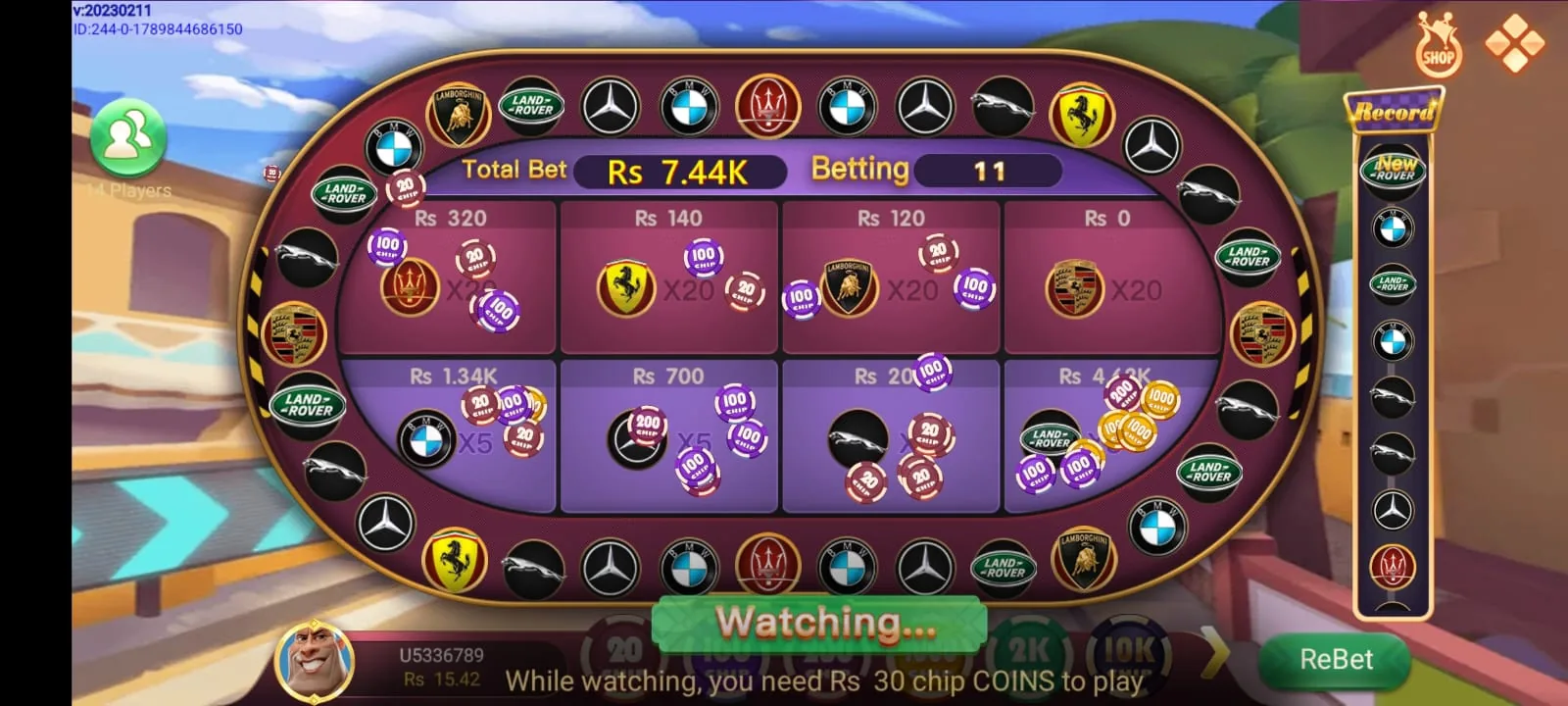
Alongside the Teen Patti tables, the app includes shorter games for when you do not want a full round of betting. They are simpler by design, with a single decision and an immediate result, and they share the same chip balance as the main tables.
Because these rounds resolve in seconds, they are also the easiest place to lose track of how much you are spending. If you use them, set yourself a limit before you start rather than after.
- Andar Bahar — pick a side and wait for the matching card.
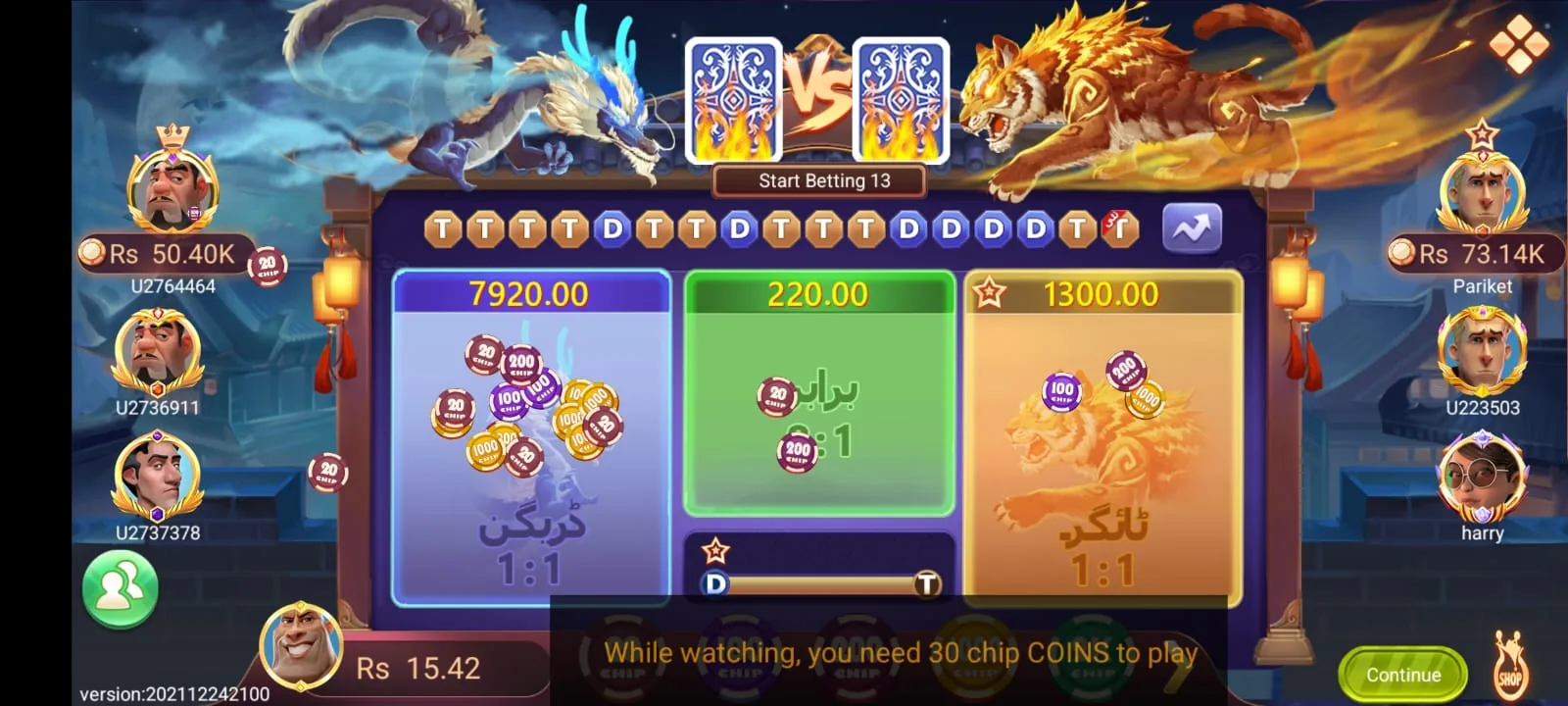
- Dragon vs Tiger — a single card comparison between two positions.
- Rummy — the familiar draw and discard game in a quick format.
- 7 Up 7 Down — bet on whether the dice total lands above or below seven.
Teen Patti Rules and Hand Rankings
Every player puts in a fixed boot amount, then receives three cards face down. Play moves clockwise. On your turn you can play blind without looking at your cards, which costs half as much, or play seen after looking, which costs the full stake. You can also fold and lose only what you have already put in, or ask for a show when only two players remain.
Hand rankings are the part worth memorising, because they never change between tables. From strongest to weakest, they run as follows.
- Trail or set — three cards of the same rank, with three aces the strongest.
- Pure sequence — three consecutive cards in one suit.
- Sequence — three consecutive cards in mixed suits.
- Colour — three cards of one suit that are not in sequence.
- Pair — two cards of the same rank plus one other.
- High card — none of the above; the highest single card decides.
Private Rooms and Playing With Friends
Private tables are the feature most families actually use. You create a room, share the code, and only people with that code can sit down. There are no strangers at the table, which makes it a reasonable substitute for a real deck when everyone is in a different city.
The host sets the stake level and table size before starting, so a group can agree on limits in advance. If someone drops out because of a weak signal, they can rejoin with the same room code rather than starting over.
Chips, Bonuses and the Referral System
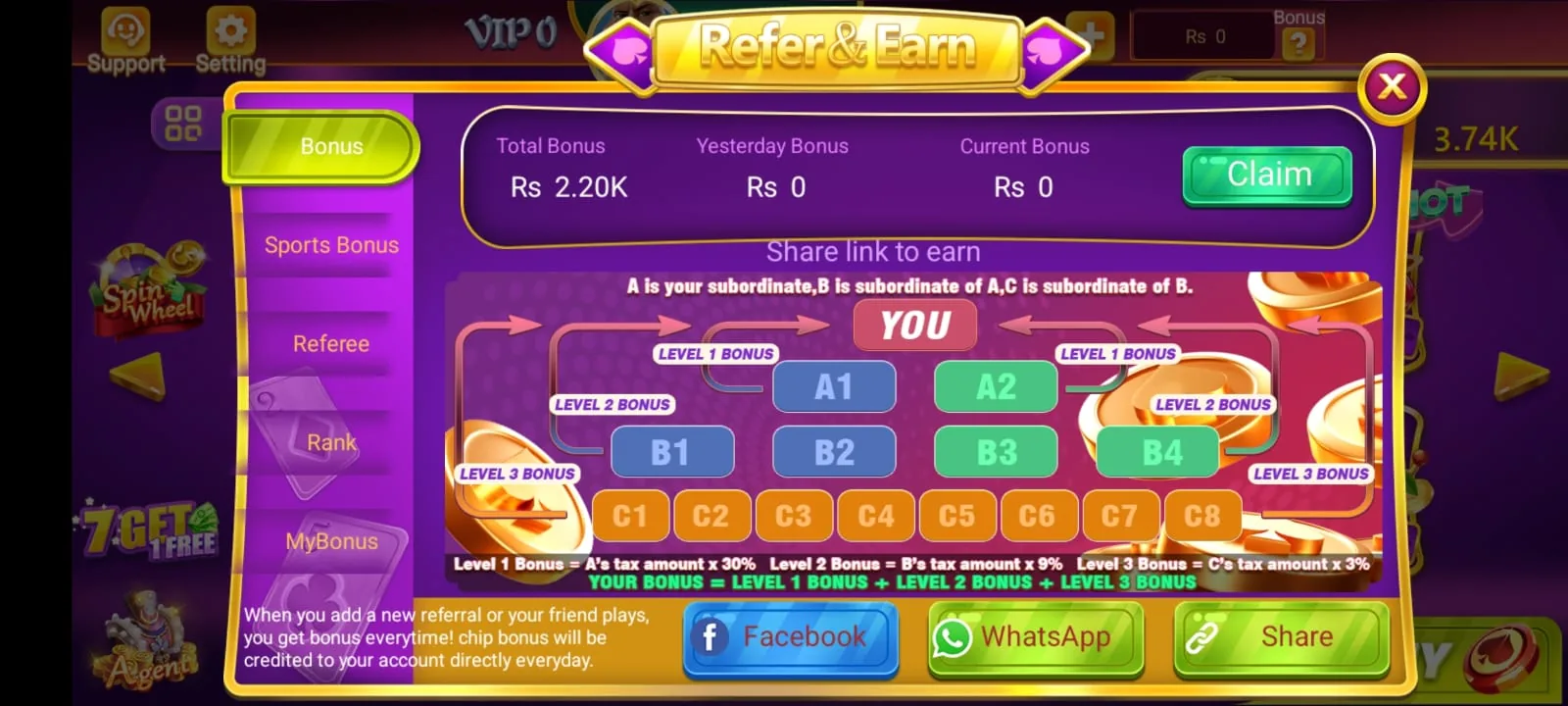
New accounts start with a chip balance so you can learn without pressure. Daily login bonuses, spin wheels and time limited events top that balance up, and the referral system adds chips when a friend you invited joins and plays.
Read bonus conditions rather than assuming. Promotional chips in apps of this kind often carry playthrough requirements or expiry dates, and the terms shown inside the app are the ones that apply — not any figure quoted on a third party site, including this one.
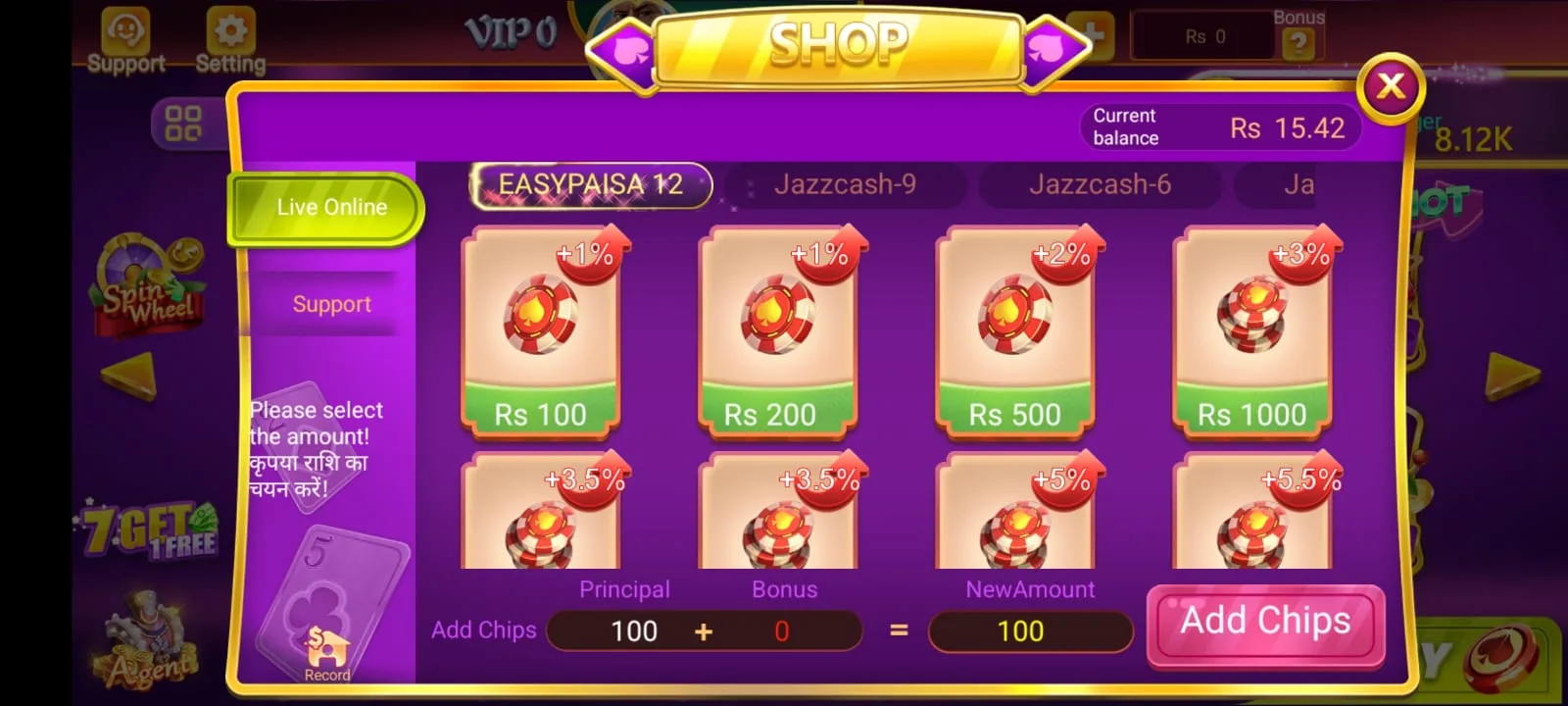
This site does not sell chips, process payments or operate any account. Anything involving money happens inside the app itself, between you and whoever operates it.
Strategy Tips That Actually Help
Teen Patti is part chance and part discipline, and the discipline part is where most improvement comes from. You cannot control the cards, but you can control how much you commit to a weak hand and how long you stay at a table that is going badly.
Playing blind for the first few rounds is genuinely useful, not just showmanship: it halves your stake while the pot is small and gives you information about how others bet before you commit. Beyond that, most losses come from chasing a pot after the hand has clearly gone.
- Set a chip limit for the session before you sit down, and stop when you reach it.
- Start in the lowest stake room, whatever your experience elsewhere.
- Fold weak hands early instead of calling one more round out of hope.
- Watch how often each opponent raises before you decide to test them.
- Change your own pattern occasionally so you are harder to read.
- Leave the table after a heavy loss rather than trying to win it straight back.
Playing on Mobile Data and Slow Connections
Table games are sensitive to latency rather than bandwidth. The app sends small amounts of data, so a modest connection is fine as long as it is steady; an unstable signal that keeps dropping is the real problem, because a disconnect during a hand can cost you the pot.
If your connection is patchy, close background apps that sync in the background, avoid playing while a large download is running, and prefer a stable 4G signal over a crowded public Wi-Fi network. If you are disconnected mid hand, reopen the app quickly — tables usually hold your seat briefly before removing you.
Common Problems and How to Fix Them
Most issues with APK based games come down to one of three things: an incomplete download, a blocked install permission, or a cache that has grown stale. Working through them in order solves the large majority of complaints.
- App not installed — the file is corrupt or partly downloaded; download it again.
- Parse error — the build does not match your Android version, or the file is damaged.
- Install blocked — the unknown sources permission is off for your browser or file manager.
- Stuck on the loading screen — clear the app cache in Android settings, then reopen.
- Frequent disconnects — switch networks and close background apps.
- Crashes after an update — reinstall the latest file rather than the old one.
Safety and Account Security
The two risks worth taking seriously are the file you install and the account you create. For the file, download from one source you trust, check the size, and keep Play Protect enabled so Android can scan it. Turn the unknown sources permission back off once you have installed.
For the account, use a password you do not reuse anywhere else, never share a login or one time code with anyone claiming to be support, and be sceptical of any in-game message offering free chips in exchange for details. Support inside a legitimate app never needs your password.
Avoid so-called mod or unlimited chips versions entirely. They are modified builds from unknown people, they are the most common carrier of malware in this category, and they get accounts banned.
Legal Position and Responsible Play
Rules on card games vary by country and, in some places, by province or state. That includes Pakistan, where the legal position on games played for money is not the same as it is for a purely social game with no stakes. This site cannot give you legal advice, and nothing here should be read as saying that any particular use of the app is permitted where you live.
What we can say plainly: this game is for adults, it involves risk, and it can be habit forming. Decide your limit before you play, never use money you need for something else, and stop when the limit is reached rather than when the chips run out. If playing has stopped being a pastime and started being a problem, step away and talk to someone you trust.
How Happy Club Compares With Other Teen Patti Apps
There are many three card game apps, and the card rules are essentially the same across all of them. What differs is install size, how many variants are bundled, how heavy the graphics are, and how well the app behaves on an older phone or a weak signal.
Happy Club's position in that group is the light one: a small download, a broad set of variants and side games, and modest hardware requirements. If you want elaborate 3D tables and a large install, another app will suit you better. If you want something that starts quickly on a mid range handset and does not eat your data allowance, this is the trade it makes.
Frequently Asked Questions
Is Teen Patti Happy Club free to download?
Yes. The APK is free to download and install, and new accounts start with a chip balance. Any optional purchases happen inside the app itself.
Is there an iPhone version of Happy Club?
No. The game is Android only and is distributed as an APK file. iPhones cannot install APK files, so any site offering an iOS version of this app should not be trusted.
Why does Android block the install?
Android blocks installs from outside the Play Store until you allow them for the app you are installing from, usually your browser or file manager. Turn that permission on, install, then turn it off again.
What does 'App not installed' mean?
Almost always an incomplete or corrupt download, or a conflict with an older copy of the app. Download the file again on a stable connection and install it over the top.
Do I have to uninstall before updating?
No. Installing the newer APK over the existing one keeps your account and progress, as long as it is the same app from the same source.
Will it run on a 2 GB RAM phone?
Generally yes. The app is built to stay light, and 2 GB RAM on Android 8 or newer is a reasonable baseline for smooth play.
Are mod or unlimited chips versions safe?
No. Modified builds come from unknown sources, are a common carrier of malware, and get accounts banned. Use the standard file only.
Is this the official website of the game?
No. This is an independent information site with download guides, rules and troubleshooting. It is not run by the app's developer and does not operate any accounts or payments.